
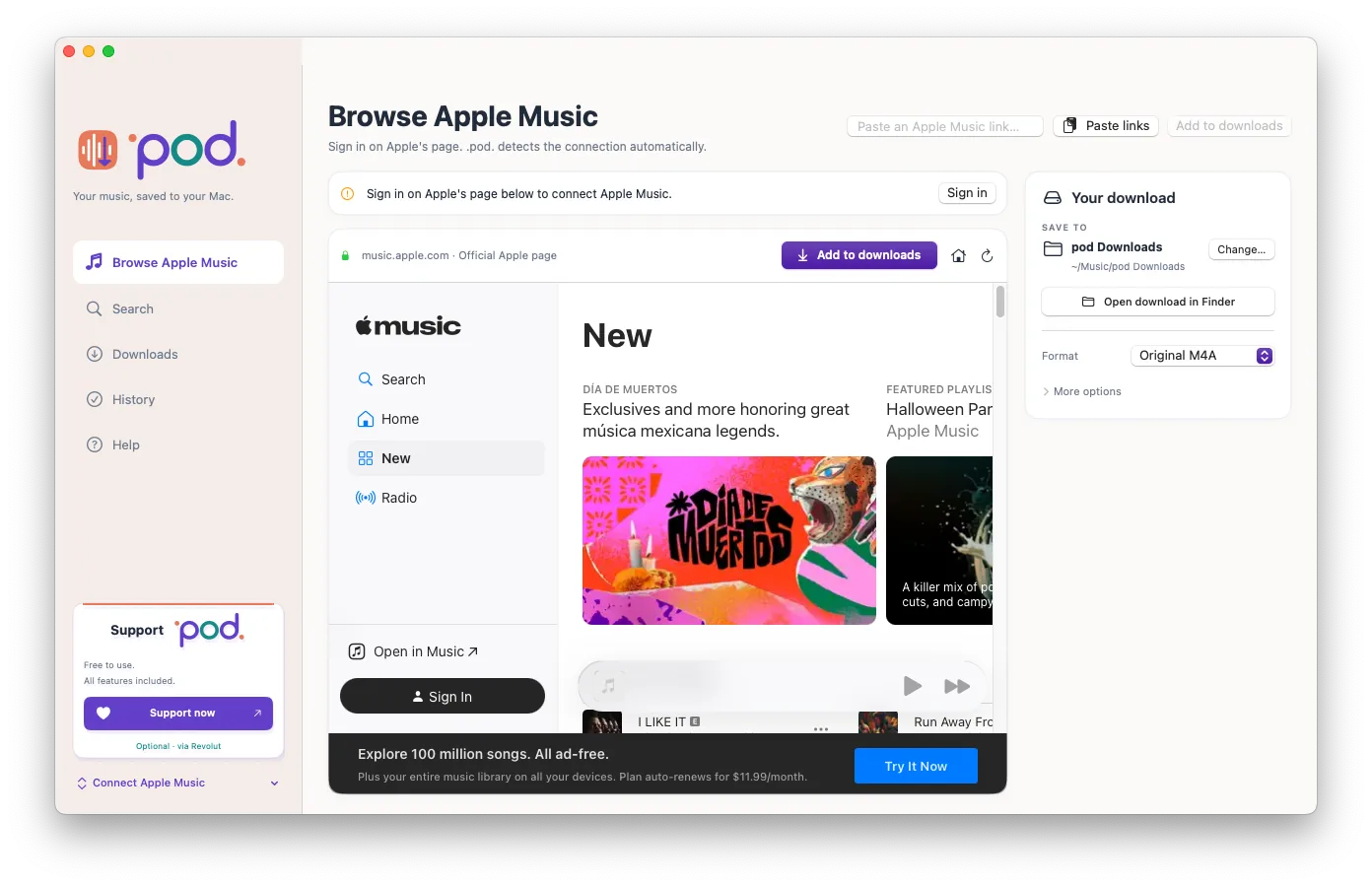
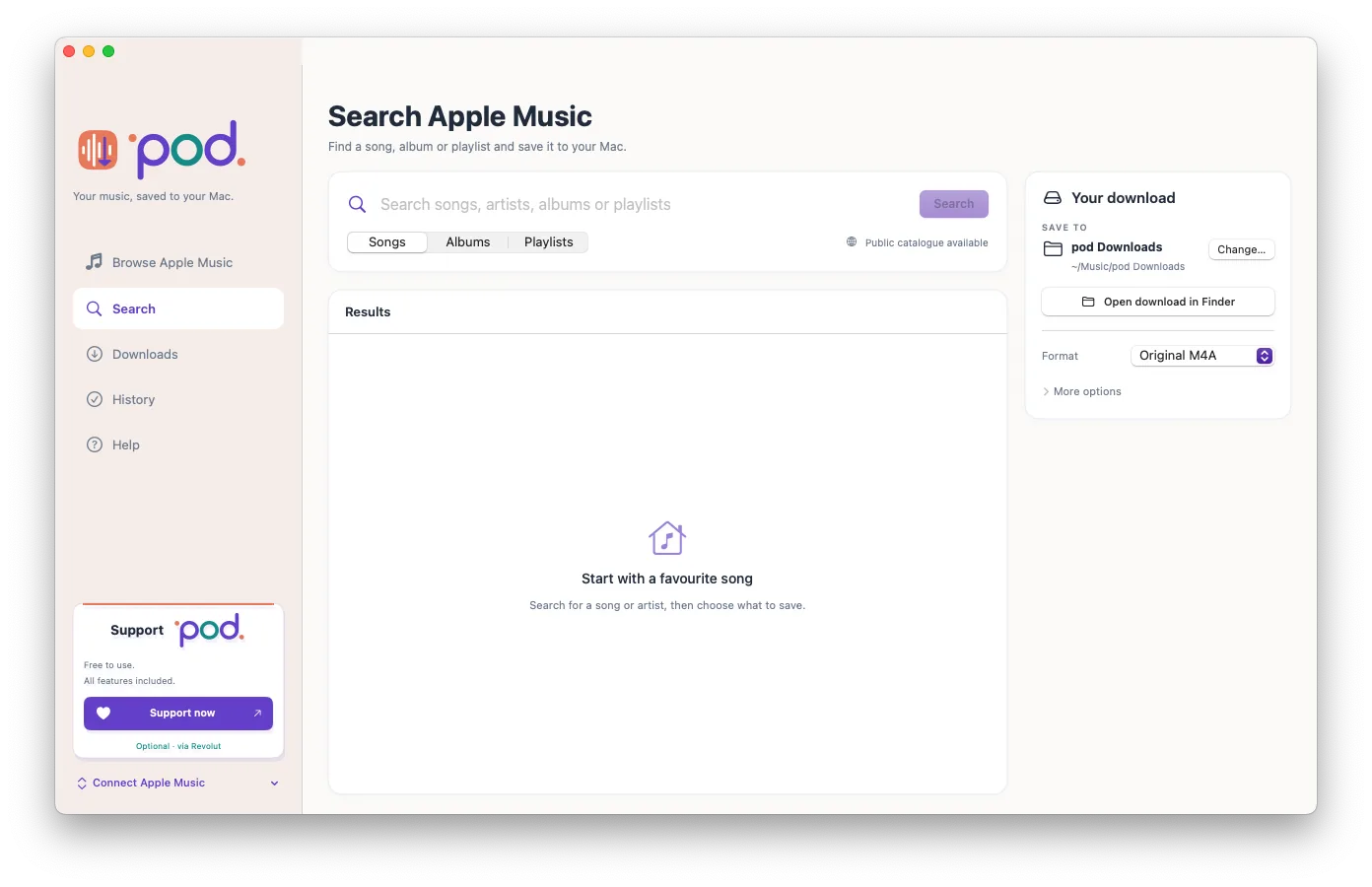
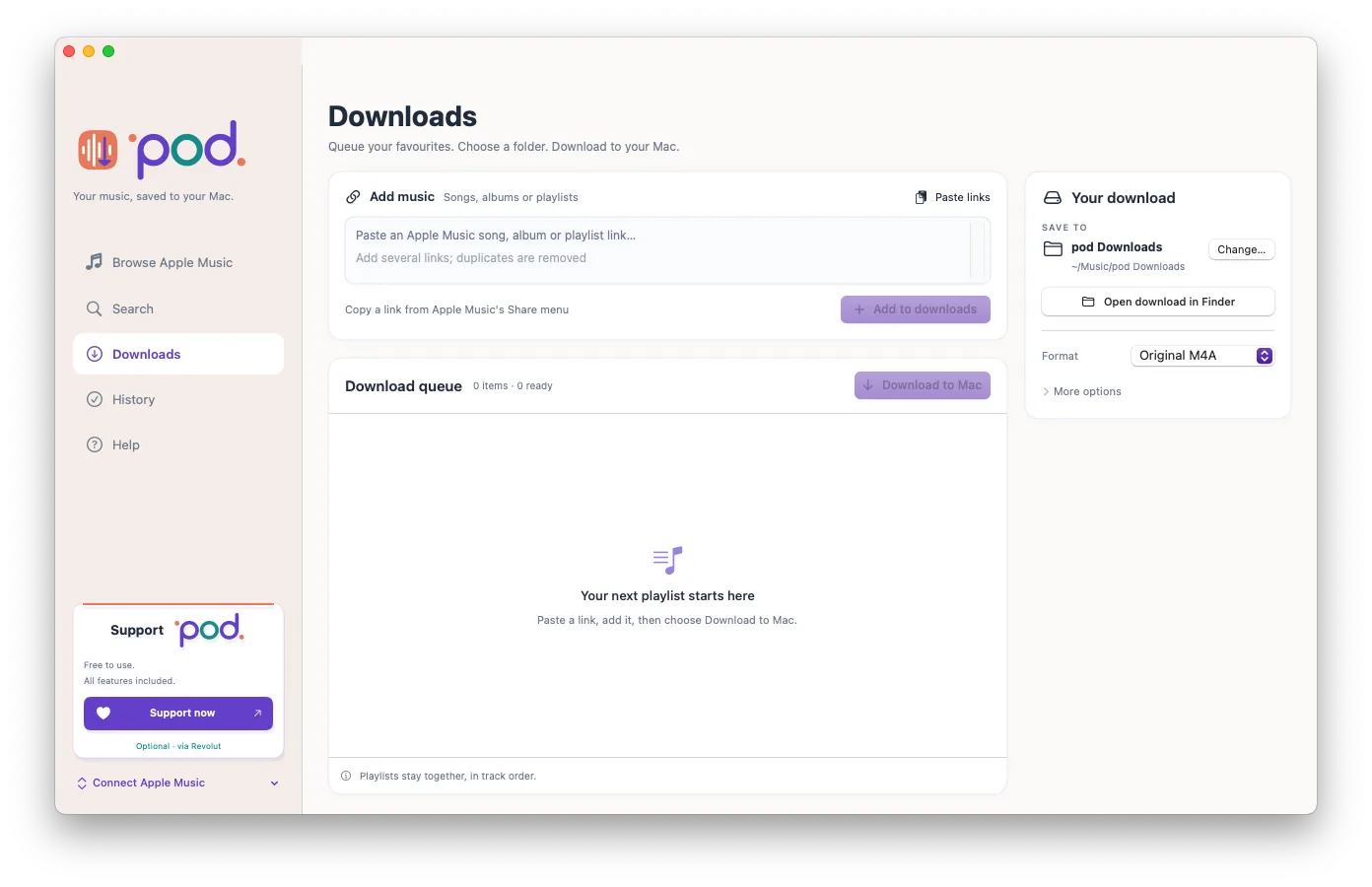
2 Queue
3 Save
See .pod. in action.
Browse Apple Music. Build your queue. Save supported tracks to your Mac.
Watch on Vimeo ↗Find .pod. on


Why .pod. exists
An iPod Classic. A Mac. A reason to make .pod.
AL, the creator of .pod. at Maya at Sea, dusted off his iPod Classic, connected it to his Mac and built .pod. to bring back the desktop music workflow he wanted.
- Save with .pod.
Browse Apple Music, queue your selection and save supported tracks as local audio files on your Mac.
- Import into Music.
Add the compatible saved files to Music as local audio.
- Sync to your iPod Classic.
Use Music to sync those local files to the connected iPod Classic.
.pod. browses, queues and saves. Music performs the device sync; .pod. does not manage or sync your iPod.
Compare Apple Music apps for Mac
| .pod. | ViWizard | Sidify | TuneFab | DRmare | AudiFab | |
|---|---|---|---|---|---|---|
| Price | Free; optional support | Paid licence | Paid licence; free trial | Paid licence | Paid | Paid licence; free trial |
| Apple Music access | Built-in browser | Built-in web player | App / web player | Built-in web player | Not confirmed | iTunes / Music app |
| Queue support | Songs, albums, playlists | Batch conversion | Batch conversion | Batch conversion | Not confirmed | Playlists |
| Track information | Optional lyrics | ID3 tags | ID3 tags | ID3 tags | Not confirmed | ID3 tags and lyrics |
| Mac native | macOS 14+; Apple Silicon and Intel | macOS 11+; native chip support not confirmed | Mac; native chip support not confirmed | Mac; native chip support not confirmed | Mac; native chip support not confirmed | Mac; native chip support not confirmed |
Alternative-app features are advertised by their publishers; see the linked product pages. “Not confirmed” means we have not verified that detail. A Mac version does not by itself confirm native Apple Silicon support. Plans and features may change.
Support .pod.
.pod. is free. If it’s useful to you, optional support helps fund development.
Get started with .pod.
Browse Apple Music inside .pod., queue songs, albums or playlists, then save supported tracks to a folder you choose on your Mac. Check individual results, retry failed tracks and revisit downloads in History.
Free with optional support · Version 1.0.9 (18) · macOS 14.0 or later · Native Apple Silicon and Intel builds.
Installation and release information
Choose the DMG for your Mac, open it and copy pod.app to Applications. In .pod., choose your destination folder.
This release is ad-hoc signed and not notarised. macOS may show a security warning. .pod. is proprietary software developed by Maya at Sea, independently of Apple. It is not affiliated with or endorsed by Apple.